
Connect your Salesforce org
TranSFlator connects to Salesforce using OAuth 2.0 with PKCE (code challenge method S256). There is no “paste your username and password” step, and the TranSFlator backend is not in the middle — the authorization code is exchanged on your own machine.
- In the app, click Add Connection in the top right.
- Give the connection a label (e.g. “EMEA sandbox” or “Acme
production”), pick whether it is a Production/Developer
instance (
login.salesforce.com) or a Sandbox (test.salesforce.com), and click Authorize. - Your browser opens. Log in to Salesforce as you normally would. If your org uses SSO or MFA, the normal flow runs here.
- Salesforce asks you to allow the TranSFlator Connected App to access metadata. Click Allow.
- Salesforce redirects to
http://localhost:1717/oauth/callback, which the desktop app is listening on. The loopback callback never leaves your machine. - The app exchanges the authorization code for a refresh token and
an access token. The refresh token is encrypted with AES-256-CBC
and written to
transflate.db; the access token sits in RAM only.
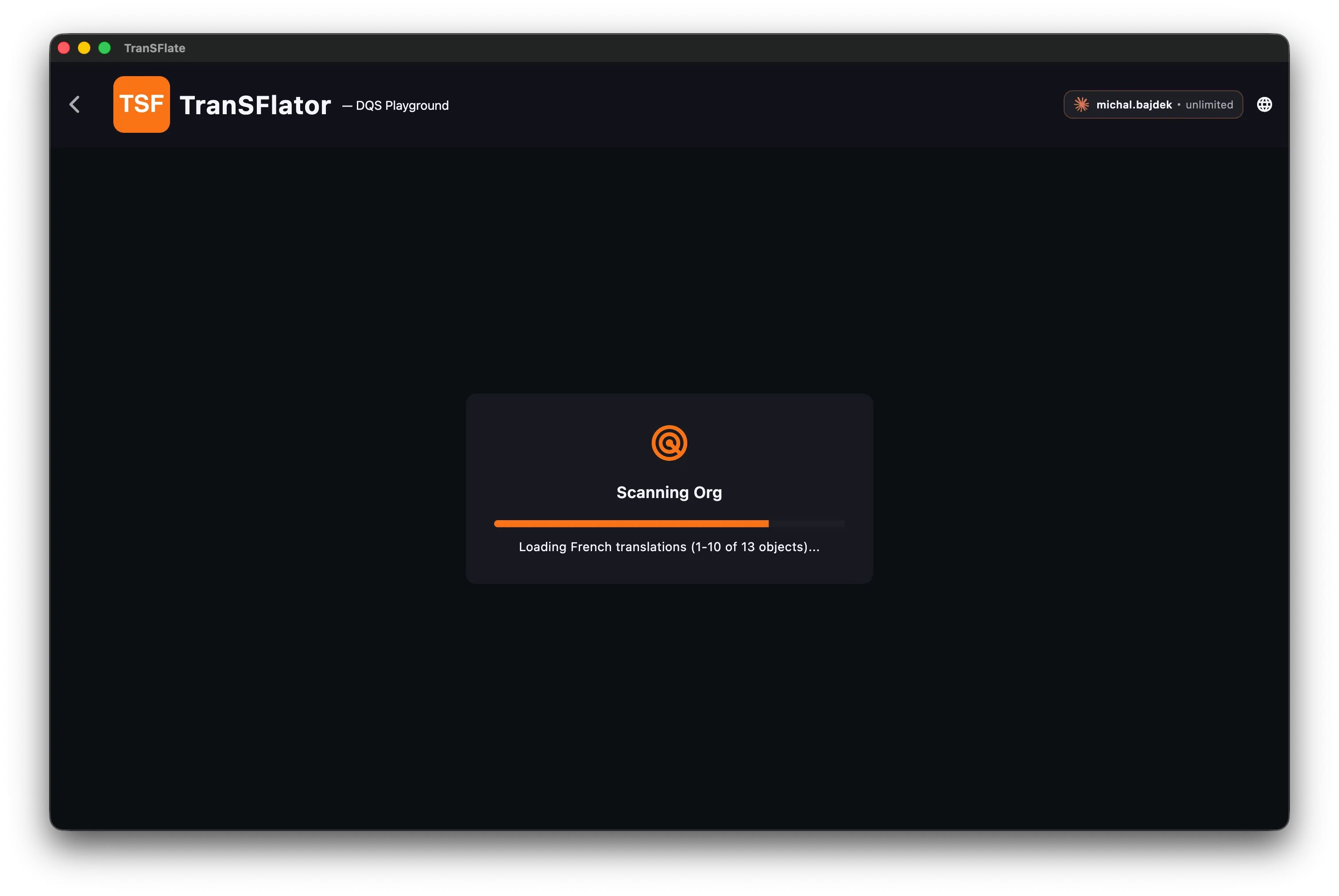
You are now connected. The connection shows up in the sidebar with a green status dot. Click it to open the translation grid for that org — TranSFlator will immediately scan the org for every translatable element:
Using a custom domain
Section titled “Using a custom domain”If your org uses a My Domain (acme.my.salesforce.com), pick
Custom Domain from the instance selector and paste the full
https://... hostname. The app will use that as the OAuth host
instead of the standard login endpoint.
Scratch orgs
Section titled “Scratch orgs”Scratch orgs work exactly like sandboxes: pick Sandbox in the instance picker. The refresh token lives as long as the scratch org does — when the scratch org expires, TranSFlator will tell you on the next connection test.
What TranSFlator sees
Section titled “What TranSFlator sees”Once connected, the app has the same metadata access your logged-in user has — no more. If your user can see a field, TranSFlator can translate it. If your user doesn’t have access to a record type, TranSFlator can’t scan it either. Permission-set your test user before running a full scan if you want to narrow the blast radius.