
Connections
A connection in TranSFlator represents one Salesforce org you have authenticated against. Each connection is a row in the app sidebar with its own encrypted refresh token, label, and last-tested timestamp.
You can add as many connections as you want — production, multiple sandboxes, scratch orgs, customer orgs if you’re a consultant. The app keeps them side by side and switching is one click.
Add, rename, delete
Section titled “Add, rename, delete”See Connect your Salesforce org
for the add flow. To rename, right-click the connection in the
sidebar → Rename. To delete, right-click → Delete. Deleting
a connection wipes the encrypted refresh token from
transflate.db immediately; Salesforce is not informed, so the
refresh token will remain valid on Salesforce’s side until you
manually revoke it from Setup → Connected Apps OAuth Usage.
Test connection
Section titled “Test connection”The small dot next to each connection shows its status:
- Green — last test succeeded, token valid.
- Amber — not tested this session, might be stale.
- Red — last test failed. Click to re-authenticate.
Click any connection and the app hits /services/data/v65.0/ on the
org to re-validate the session before loading the workspace. If the
token was revoked or expired, you’ll be prompted to re-authorise
through the normal OAuth flow.
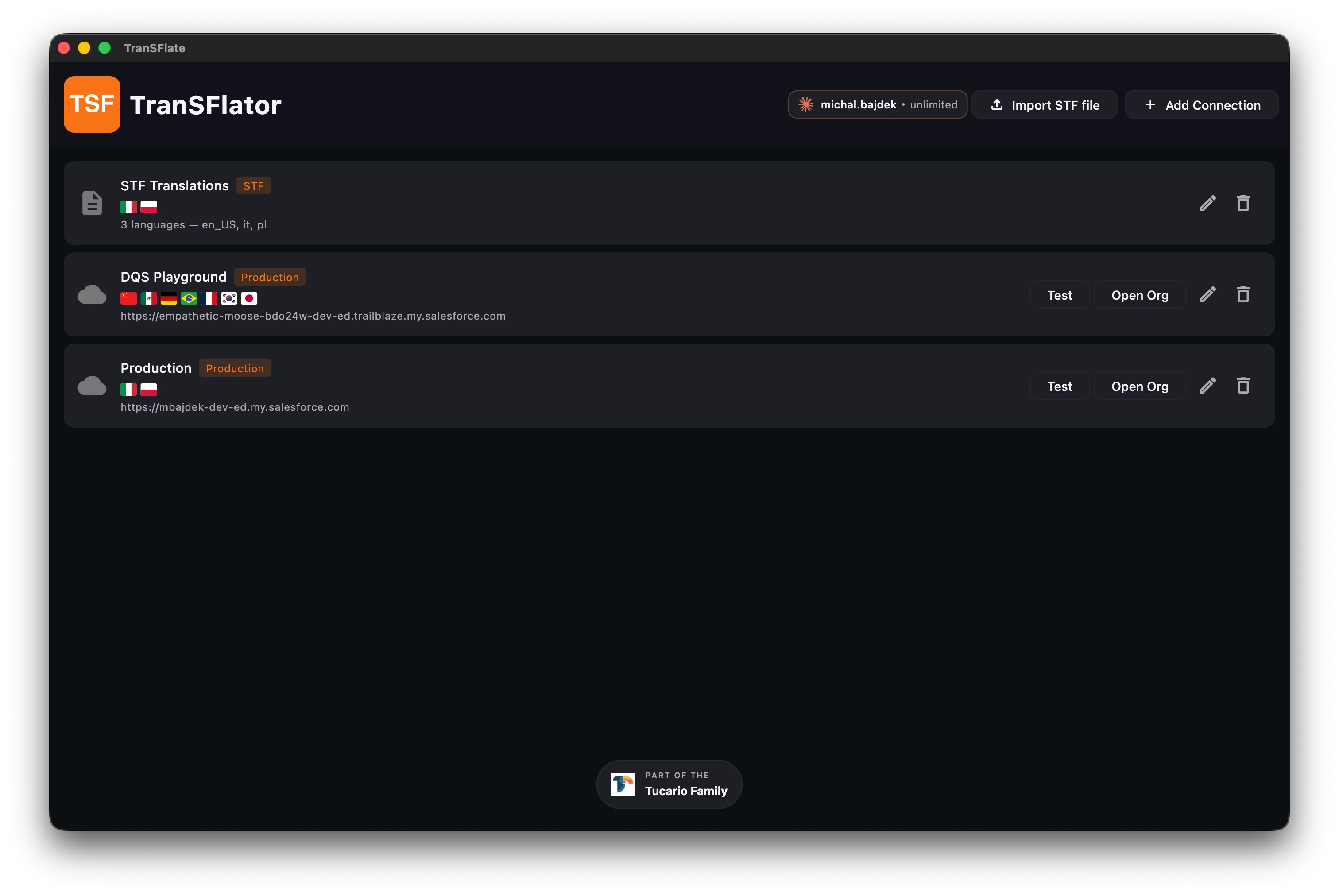
The STF-only import flow (first row above) creates a “pseudo
connection” that has no refresh token — it only holds the parsed
contents of a .stf file and cannot deploy back to Salesforce
until you attach a real org.