
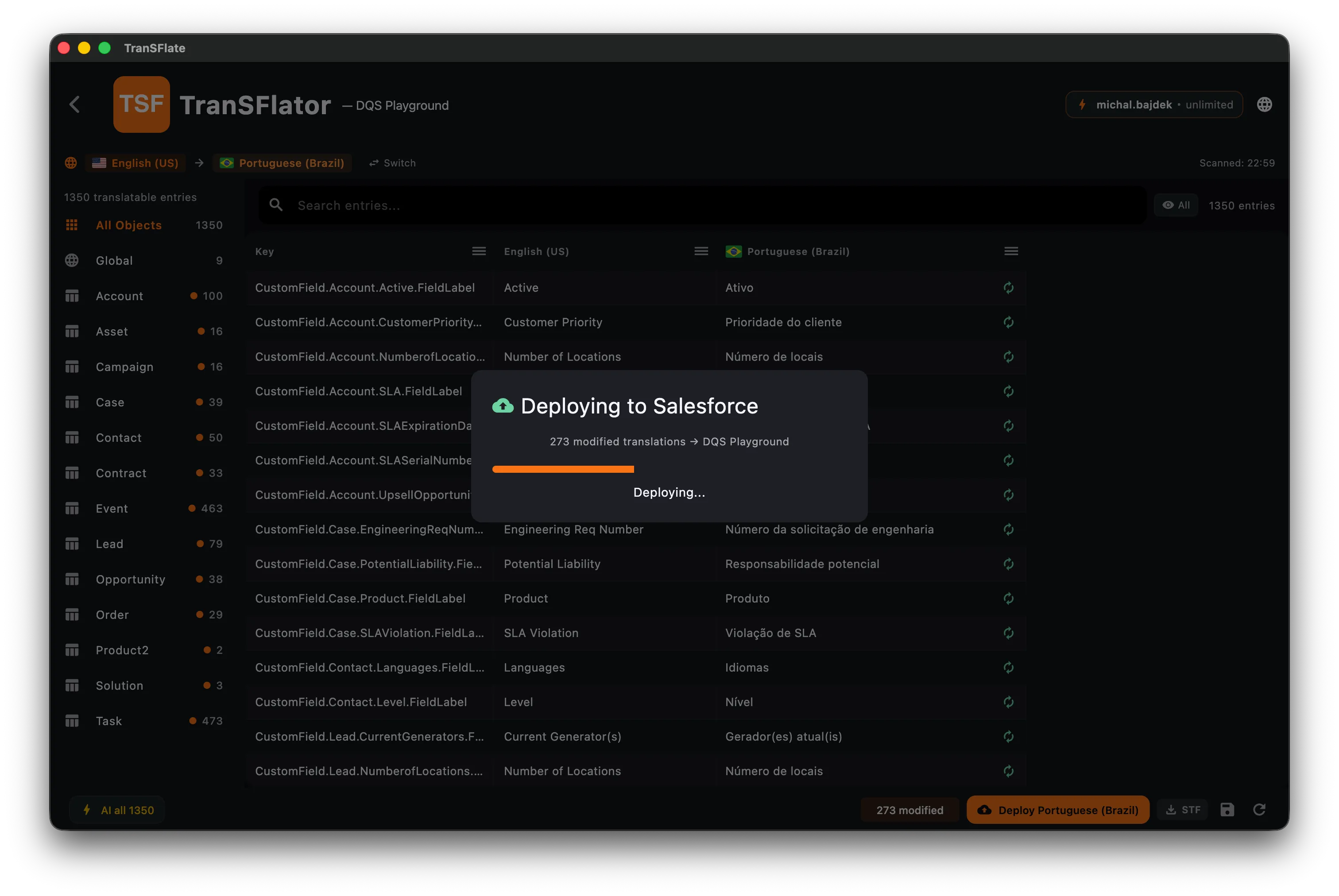
Deploying to Salesforce
Deploying takes the translated rows from your grid and pushes them back to Salesforce using the Metadata API. It is the last step of the normal workflow.
What gets deployed
Section titled “What gets deployed”Only rows that are (a) non-empty in the target language column, and (b) changed since the last successful deploy for this connection. Unchanged rows are skipped. Rows you haven’t touched remain untouched.
Atomic with rollback
Section titled “Atomic with rollback”Deploys are submitted as a single Metadata API transaction. If any component fails validation on Salesforce’s side, the whole deploy is rolled back and you see a dialog listing every component that failed and why. Your org is never left in a half-applied state.
Component-level errors
Section titled “Component-level errors”The error view shows:
- The Salesforce metadata key that failed (e.g.
Account.Industry__c.Label.fr) - The verbatim error message from Salesforce
- A Skip and retry button that excludes the failing row and reattempts the deploy
Managed packages
Section titled “Managed packages”Salesforce does not allow modifying metadata of fields owned by a managed package you haven’t built yourself. TranSFlator detects these at scan time and marks them read-only in the grid, so you don’t waste time trying to translate something that will never deploy.
Every deploy is recorded in the local deployment_log table with
timestamp, connection, number of components, and the final status.
Nothing is sent to our backend.
When the deploy finishes you get a summary showing how many components were actually applied and how many were skipped because Salesforce’s API refuses to touch them (for example standard picklists whose values are owned by the platform):
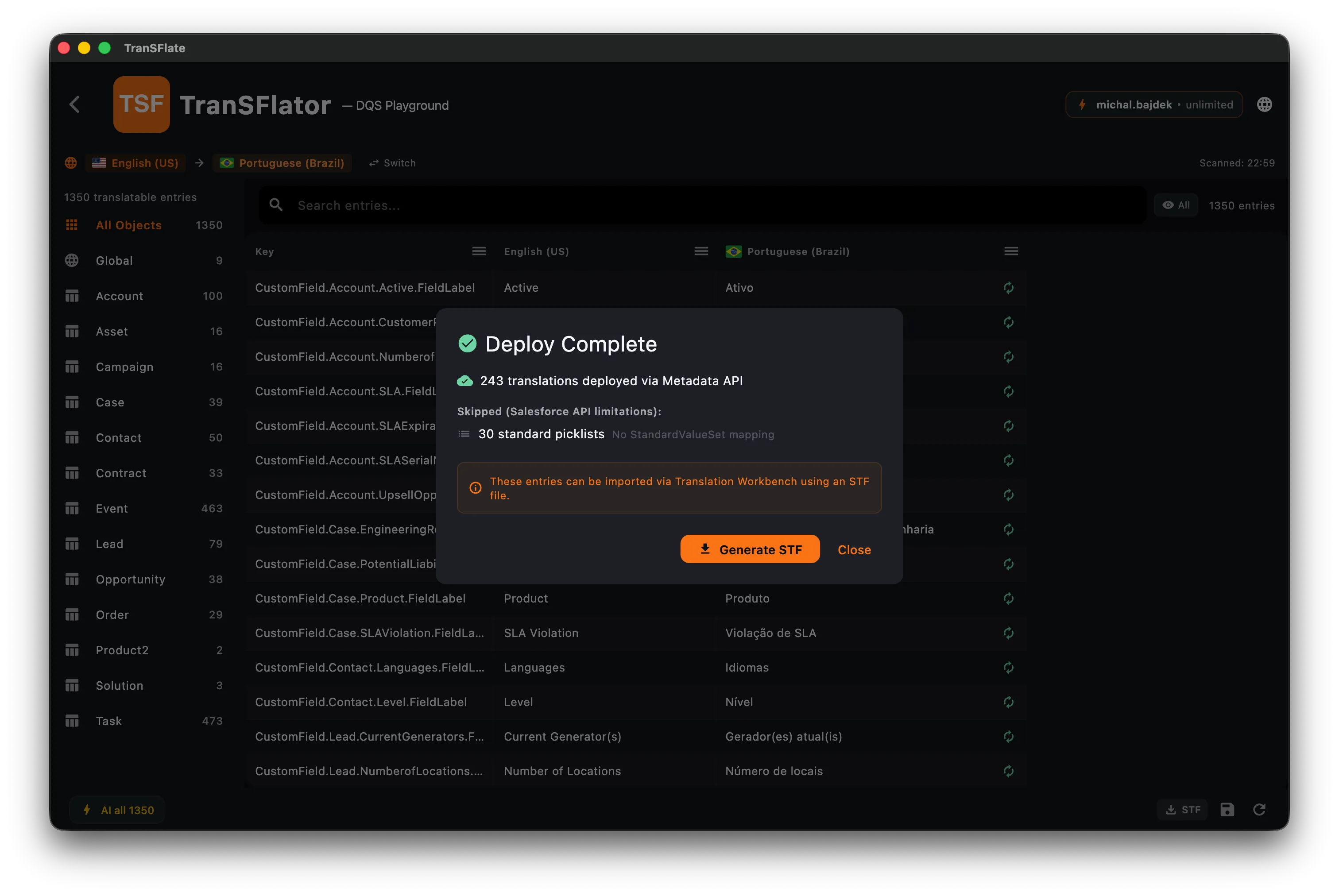
Skipped entries can be exported via Generate STF and imported with the Salesforce Translation Workbench, which is the only tool allowed to touch those records.