
Sign up & sign in
The account panel at panel.transflator.com is where you create the account the desktop app signs in against. It’s a Flutter Web application backed by Firebase Auth, Firestore, and a single Cloud Functions endpoint.
Sign in
Section titled “Sign in”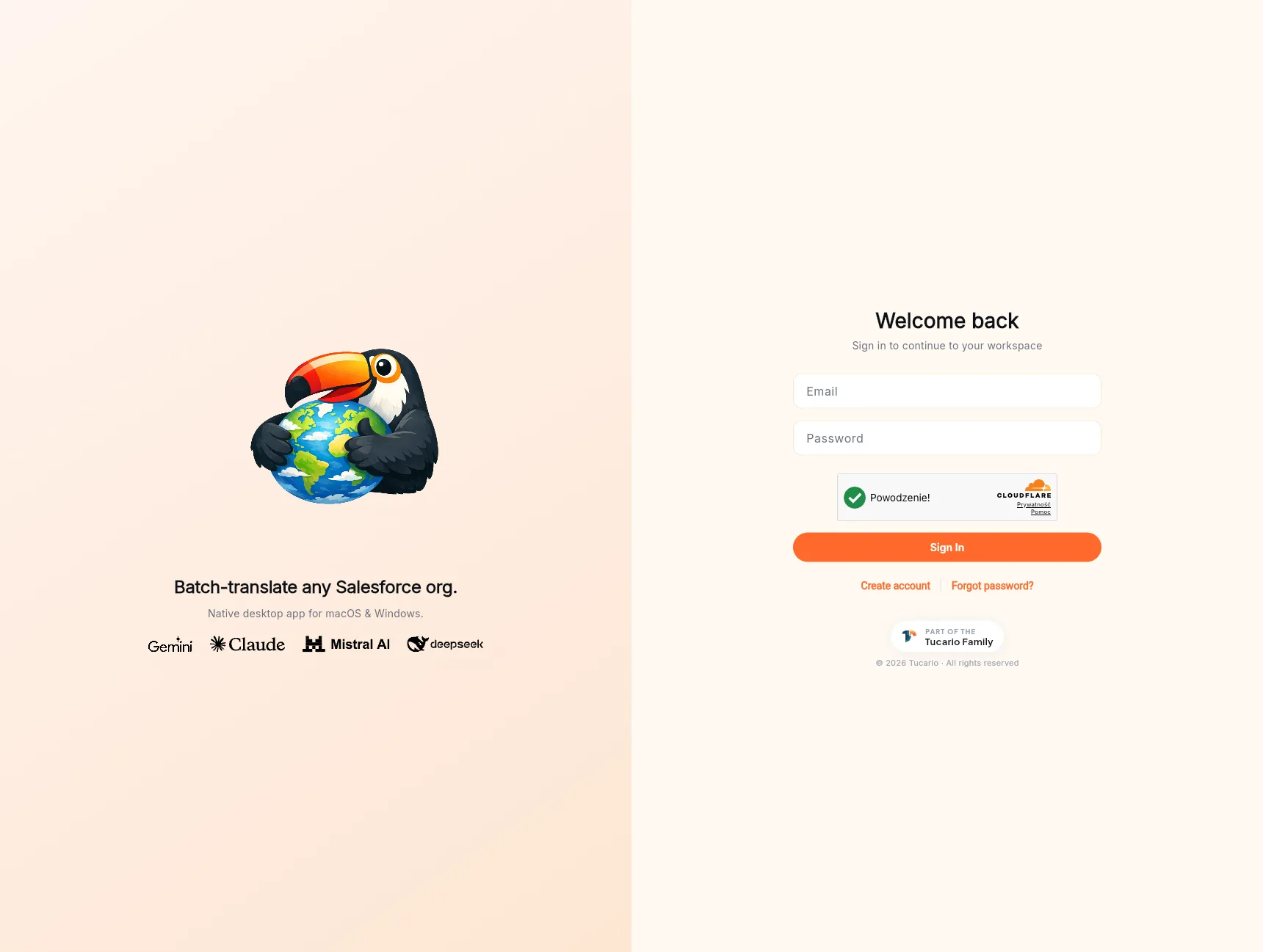
Returning users land on the sign-in screen at panel.transflator.com.
- Enter your email and password.
- Solve the reCAPTCHA challenge if prompted.
- Click Sign in.
The form posts to POST /auth/login, which proxies Firebase Auth
and returns your per-user API token. That same token is what the
desktop app receives when you sign in there.
Links below the form cover the two common detours:
- Create account — sends you to the sign-up flow described below.
- Forgot password? — sends a reset email via our transactional pipeline. The reset link is valid for 1 hour.
Sign up
Section titled “Sign up”If you don’t yet have an account, click Create account on the sign-in screen.
- Enter your email address and a strong password.
- Solve the reCAPTCHA challenge.
- Click Create account.
The backend creates a Firebase Auth user and a corresponding
document in the Firestore users collection, seeded with your
starter AI credit balance and a freshly-generated API token.
Verify your email
Section titled “Verify your email”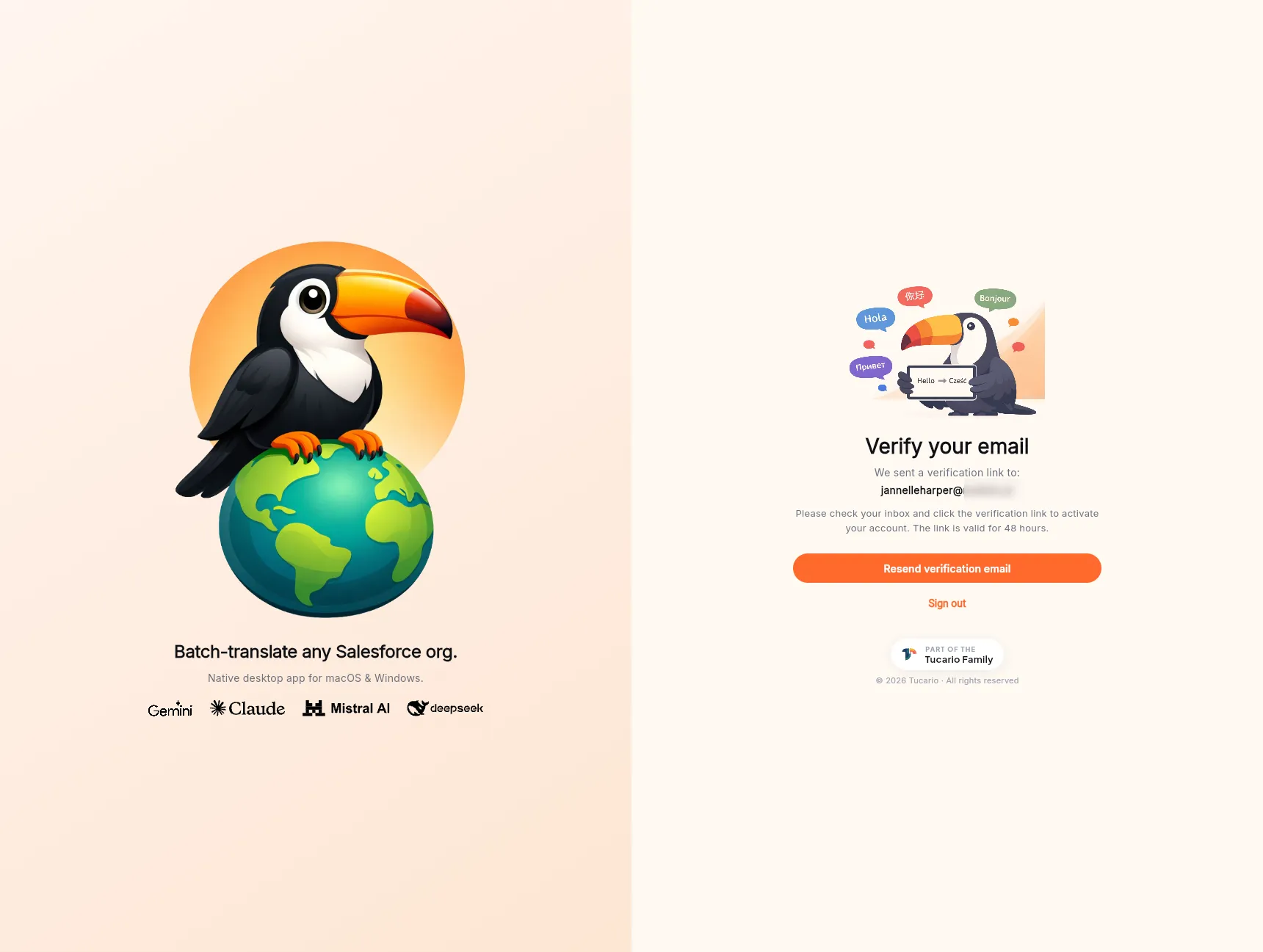
Immediately after sign-up, a transactional email lands in your inbox containing a one-click verification link. The link is valid for 48 hours. Until you click it, you cannot top up credits or run translations that cost credits.
The panel blocks the rest of the UI behind a “Verify your email” screen that shows:
- Which address we sent the link to.
- A Resend verification email button — useful if the first one got lost or the link expired.
- A Sign out link if you want to try a different account.
Didn’t get the email? Check your spam folder first, then use Resend verification email. If the address itself was mistyped, sign out, delete the account from support, and sign up again — there is no self-service way to edit the email before verification.
Starter credits
Section titled “Starter credits”New accounts are seeded with a free starter balance so you can evaluate the product without paying. The amount and the 30-day renewal cadence are shown on the dashboard. The free plan covers small orgs, quick POCs, and evaluations; larger jobs need a credit top-up (see Buying credits).
Password reset
Section titled “Password reset”If you forget your password, click Forgot password? on the sign-in screen. A reset email goes out via the same transactional pipeline, with a link valid for 1 hour. The link opens a panel screen where you set a new password; after saving you’re returned to the sign-in form.