
Buying credits
When you want to translate more than the free plan’s monthly allowance, you can top up with additional credits at any time. Payments are processed by Stripe.
Choose your plan
Section titled “Choose your plan”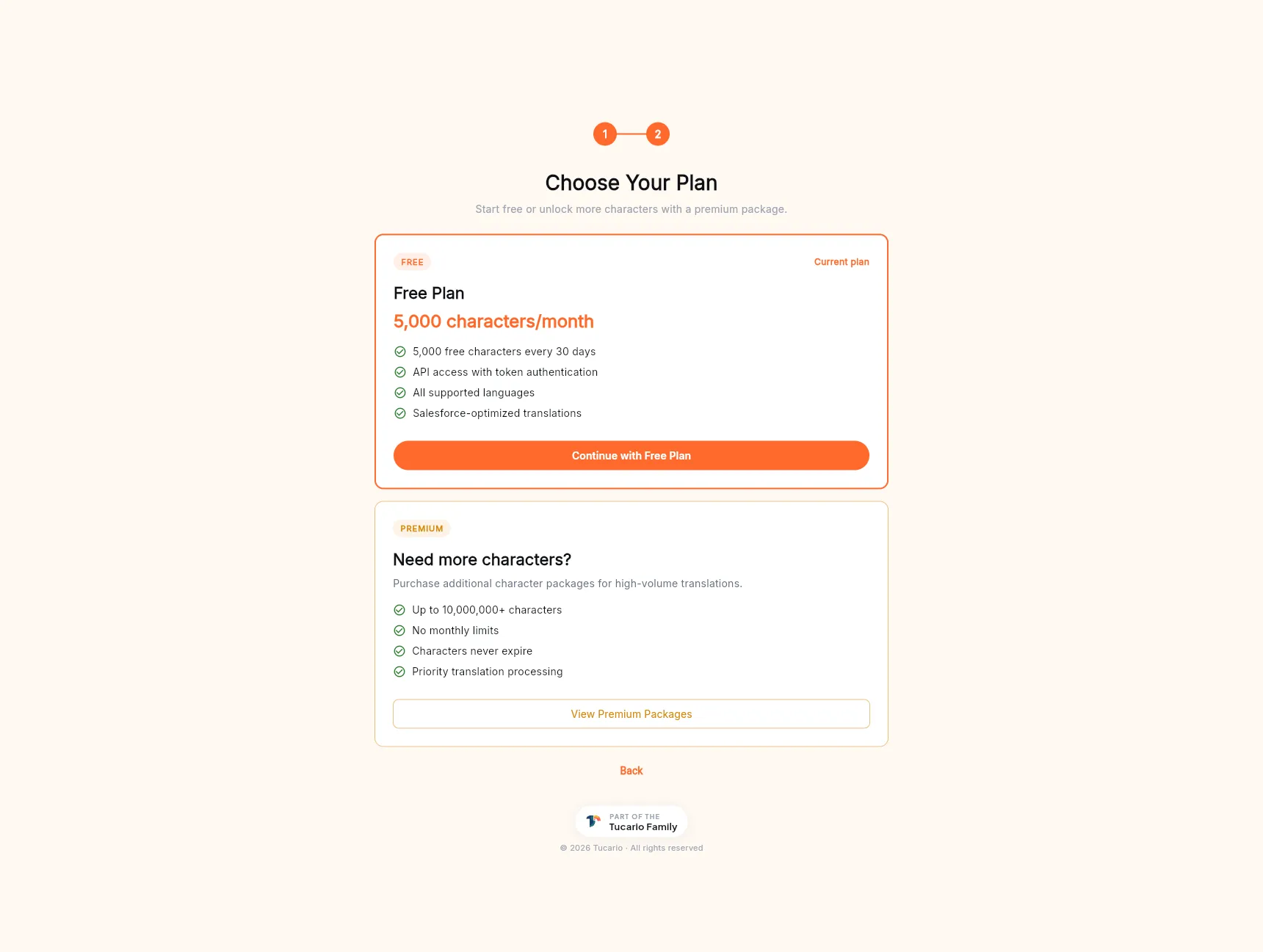
The plan picker is available both during first-run onboarding and from the Buy Characters entry in the sidebar.
Free plan — 5,000 characters per 30-day cycle, full API access, every supported language, Salesforce-optimized prompts. Enough for small orgs, evaluations, and light maintenance work.
Premium — additional character packages on top of your monthly allowance:
- Up to 10,000,000+ characters per package.
- No monthly cap — use at your own pace.
- Characters never expire. Unlike the monthly free allowance, purchased credits stay on your balance until used.
- Priority translation processing on backend queues.
Click View Premium Packages to open the package list and pick a size.
Top-up flow
Section titled “Top-up flow”- On the panel, click Buy Characters (sidebar or dashboard card) → View Premium Packages.
- Pick a package size from the list.
- Click Checkout — this opens Stripe Checkout, hosted on Stripe’s own domain. Card details are entered on Stripe’s servers, not ours.
- Complete payment.
- Stripe redirects you back to the panel. A Stripe webhook
fires on our backend, writes a
purchasesdocument to Firestore, and bumps yourai_creditsbalance atomically. - The new balance is visible on the dashboard within a few seconds.
What we store
Section titled “What we store”Every completed purchase creates a document in the Firestore
purchases collection with: your uid, the Stripe session ID,
the Stripe payment intent, amount paid, currency, and characters
purchased. We do not store card numbers, CVV, or any other
cardholder data.
Receipts
Section titled “Receipts”Stripe sends an email receipt to the address on your TranSFlator account the moment the payment clears. That’s the official receipt for your records.
Failed payments
Section titled “Failed payments”If a payment is declined, the Stripe webhook never fires, so no purchase is recorded and no credits are added. Nothing changes on our side. Try again with another card.
VAT / invoices for EU customers
Section titled “VAT / invoices for EU customers”Stripe issues VAT-compliant invoices through the Customer Portal. Self-service invoice history is a planned feature on the panel; until then, email hello@tucario.com with your account email and we will send the PDFs.